
-
 November 8, 2025
-
0 Comments
-
By
satyaitsolution


 By
By How to Claim Free Google Gemini (Gemini Pro) on Jio — Step-by-Step Guide for Satya IT Solution
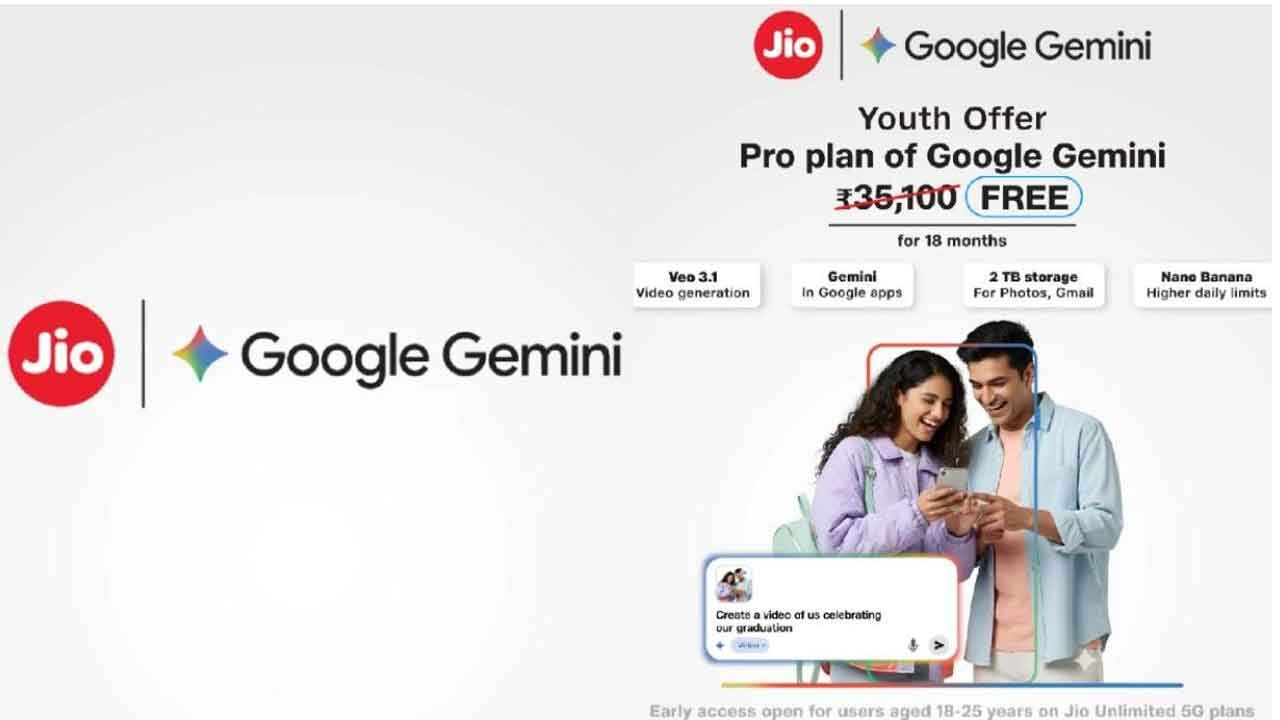
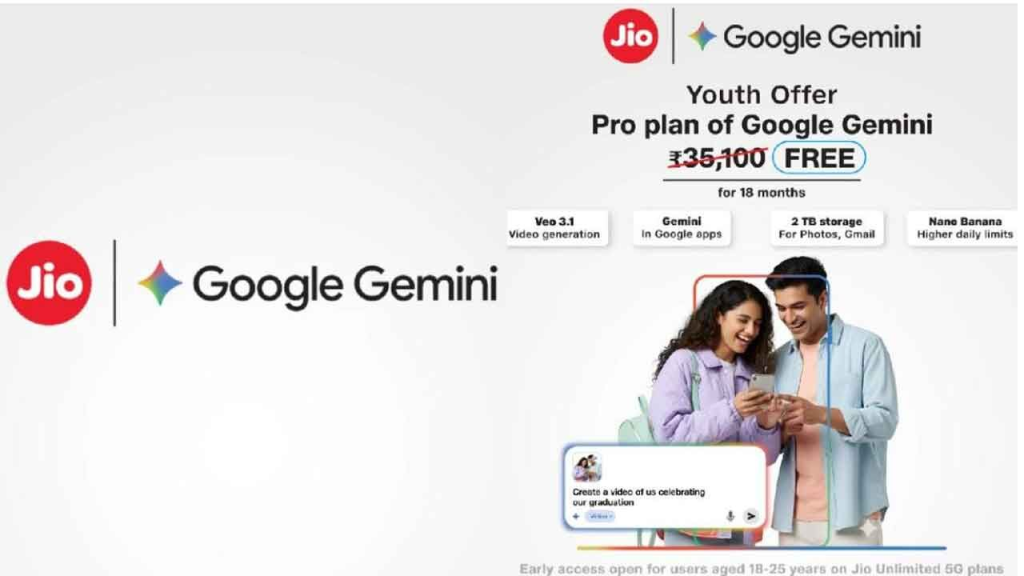
Reliance Jio and Google announced a collaboration giving eligible Jio customers free access to Google Gemini Pro for a specified period. This guide walks Satya IT Solution readers through checking eligibility, claiming the offer via the MyJio app, activating Gemini Pro on a Google account, and troubleshooting common issues. The instructions below are written to be copy-ready for your blog.
Who is eligible?
The offer is initially targeted to specific Jio customers based on plan type and age bracket. Eligibility is determined automatically within the MyJio app. Readers should check the MyJio app for their personal eligibility status.
What the offer typically includes
- Access to Gemini Pro (upgraded AI features and capabilities).
- Increased usage or generation limits for images and videos.
- Access to NotebookLM features for research and study.
- Additional cloud storage quota tied to the promotion for backups.
Exact inclusions and limits may vary; the MyJio app will show the precise benefits for each eligible account.
Step-by-step: How to claim
These steps form the main body for publication. Replace the placeholder images/screenshots where indicated.
Step 1 — Update or install MyJio
- Open your phone’s app store and update MyJio to the latest version, or install it if you don’t have it.
- Launch MyJio and log in with the Jio number you want to use for the offer.
Tip: A recent app update often surfaces new promotional banners on the home screen.
Step 2 — Look for the Google Gemini offer banner
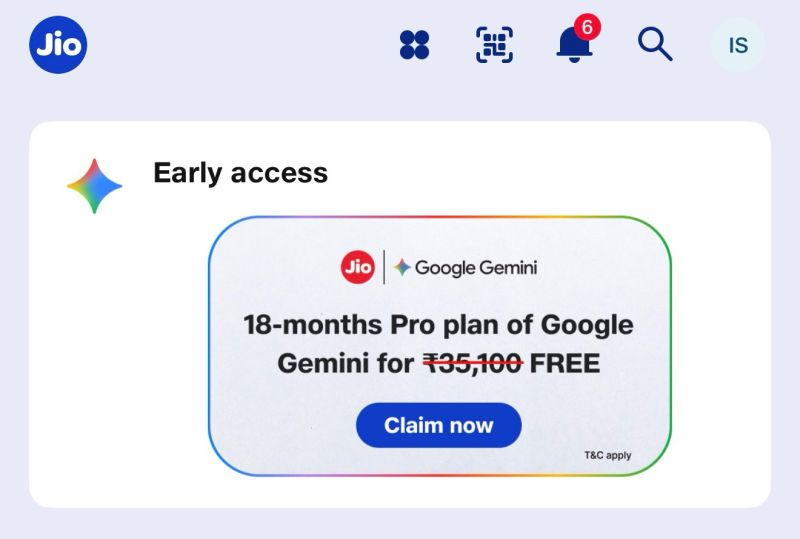
- On the MyJio home screen, look for a banner or card referencing Google Gemini or a Gemini Pro offer.
- If there is no visible banner, go to the app’s Offers or Rewards section to check for the promotion. Some users may see a “Register interest” or “Claim offer” button.
Step 3 — Tap the banner and follow prompts
- Tap the banner or the Claim/Register button.
- You will be prompted to sign in with a Google account to link the Gemini subscription; follow the on-screen prompts and grant any requested permissions.
Step 4 — Automatic eligibility verification
- The offer flow will automatically check your Jio plan and account details.
- If eligible, the app will confirm entitlement and provide activation instructions or perform activation on your behalf.
Step 5 — Activate Gemini Pro on your Google account
- Open the Gemini interface (or visit the Gemini page) and sign in with the same Google account you used to claim the offer.
- Check your account or subscription settings — your account should show the upgraded Gemini Pro access after activation. Rollouts can be phased, so it may appear after a short delay.
Step 6 — Confirm cloud storage and backups
- Check your Google Account storage dashboard to confirm any additional storage quota granted by the promotion.
- For WhatsApp backups on Android, open WhatsApp → Settings → Chats → Chat backup and ensure the correct Google account is selected for backups.
Troubleshooting (copy-ready list)
- No banner visible: Log out and back into MyJio, update the app, clear app cache, or reinstall. The offer may be rolling out in waves, so check again later.
- Claim failed / error: Ensure the Google account you used is active and not restricted. Retry after some time.
- Offer says not eligible: Verify that your Jio plan and account details match the offer eligibility criteria shown in the app. If everything looks correct, use the MyJio support options to contact Jio customer care.
Suggested screenshots & visuals for the post
- MyJio home screen with the Gemini offer banner (annotated).
- Claim or Register screen from the MyJio app.
- Gemini account page showing Pro status.
- Google Account storage dashboard showing additional quota.
- WhatsApp backup settings (Android).
Include descriptive alt text for each image for accessibility.
SEO & social sharing copy
OG Title: Claim Free Google Gemini Pro on Jio — 18 Months Free (Step-by-Step)
OG Description: Jio users can claim a free Gemini Pro subscription for a limited period. Follow this illustrated guide to check eligibility, claim via the MyJio app, and activate Gemini Pro.
Tweet / X (short): Jio users — claim free Gemini Pro with your MyJio app! Follow our step-by-step guide to check eligibility and activate your upgraded AI access.
LinkedIn (longer): Reliance Jio is offering eligible customers free access to Google Gemini Pro. This post walks you through checking your eligibility in MyJio, claiming the offer, activating Gemini Pro on your Google account, and troubleshooting common issues. Ideal for students, professionals, and power users.

FAQs (quick)
Q: How long is the free subscription?
A: The promotional duration is specified in the MyJio app at the time of claim. Check the app for exact start and end dates.
Q: Will I be charged automatically after the free period ends?
A: Standard subscription terms apply after any promotional period. Users should check their Google account subscription settings before the promotion ends to avoid unexpected charges.
Q: What if I use a different Google account than the one I normally use?
A: Use the same Google account when claiming the offer and when accessing Gemini. If different accounts are used, the promotion may not reflect on the account you intend to use.
Q: Can I transfer the promotion to another Google account?
A: Promotions are typically linked to the Google account used during activation. Transferability is generally not supported.